Why link at all?
Search finds notes that contain the words you remember. Links find notes you did not know to look for. When you open a note about a method and see a link labelled "contradicted by", you are reminded of evidence you might have forgotten. That is retrieval of understanding, not just of text.
The idea is older than software. In July 1945 Vannevar Bush described the memex in The Atlantic essay "As We May Think": a desk-sized device in which a researcher could join two items into a "trail" and add comments along the way. Ted Nelson coined "hypertext" in the 1960s with similar ambitions. Today, tools such as Obsidian and Logseq make links cheap to create, which is precisely why it is worth being deliberate.
Write the reason next to the link
A bare link says "these are related". A typed link says how. You do not need special software for this; a few words of plain text before the link is enough. A small, fixed vocabulary keeps things consistent:
A labelled diagram, not a decorative network
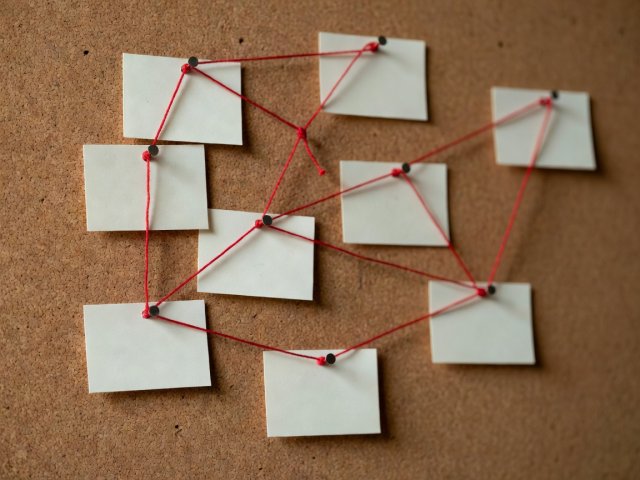
The fictional example below shows a short chain of notes from an imaginary study on reading habits. Notice that every arrow carries a label and that the chain has an obvious entry point.
Index notes as entry points
Luhmann's slip-box did not rely on browsing at random. It had a register of keywords, each pointing to just one or a few cards where a line of thought began. A modern equivalent is an index note (sometimes called a map of content or hub note): a short page listing the main entry points for a theme, each with a one-line description. When you return to a topic after months away, you open the index rather than searching blindly.
Keep index notes short. If one grows past a screen, split it by sub-theme and link the parts.
Avoiding clutter
Automatic backlinks and graph views are helpful, but they can encourage linking for its own sake. Some habits that keep a knowledge base readable:
Link when you would want to be reminded. If seeing note B while reading note A would change your thinking, link them. If not, let search handle it.
Accept orphans. A note with no links is not a failure. Many notes are simply reference material.
Prefer one explained link to many unexplained ones. Five unlabelled links force you to open five notes to understand the relationship.
Review links during writing, not during collecting. The best moment to connect ideas is when you are actively using them.
Realistic limits
Links do not create insight by themselves. They make it easier to notice connections you are already half-aware of. If your links are not helping you resume work or explain something, stop adding them for a while and see whether you miss them.